> For the complete documentation index, see [llms.txt](https://doc.giveaway.com/llms.txt). Markdown versions of documentation pages are available by appending `.md` to page URLs; this page is available as [Markdown](https://doc.giveaway.com/user-tutorial/to-get-started-sign-in.md).
# To Get Started: Sign in
Upon entering the giveaway.com website, you can find the giveaway campaigns you wish to participate in, as well as check your winning records.
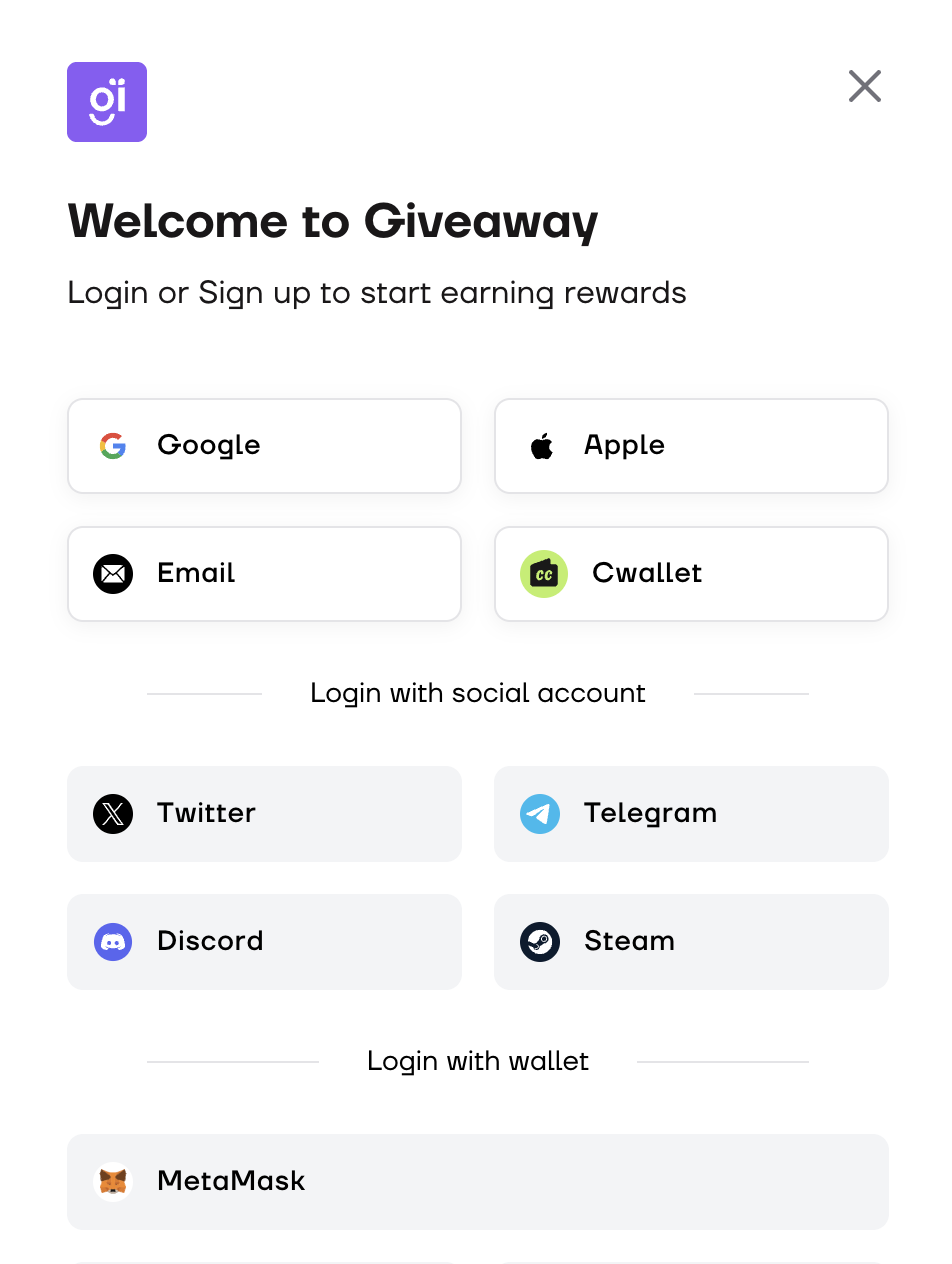
## Log in to [Giveaway.com](https://giveaway.com)
**Using your email/Google account/Apple ID to quick log in to Giveaway.com.**
###
### Profile settings
**✅ Tips:** if you set **Public** on your profile settings, the My Reward page will be visible. People can view your giveaway record you have participated and the rewards you have won, as shown below.
## How to Participated in a giveaway
{% content-ref url="/pages/Tf4GzPS120UwUwN9MNpL" %}
[Guideline:](/user-tutorial/how-to-participate-in-earn-activities/guideline.md)
{% endcontent-ref %}

.png?alt=media&token=150bb325-09e9-4ca1-9ed0-ff05daa00e14)
.png?alt=media&token=38680ed4-b542-474b-9087-7bf94580a2a6)