> For the complete documentation index, see [llms.txt](https://doc.giveaway.com/llms.txt). Markdown versions of documentation pages are available by appending `.md` to page URLs; this page is available as [Markdown](https://doc.giveaway.com/user-tutorial/how-to-participate-in-earn-activities/other-faq/why-telegrams-invitation-task-cannot-be-verified.md).
# Why Telegram's Invitation Task Cannot be Verified
In Telegram tasks, you may encounter the problem that you have invited users to the group/channel but cannot verify the task on the giveaway page.
In Telegram tasks, you may encounter the problem that you have invited users to the group/channel but cannot verify the task on the giveaway page.
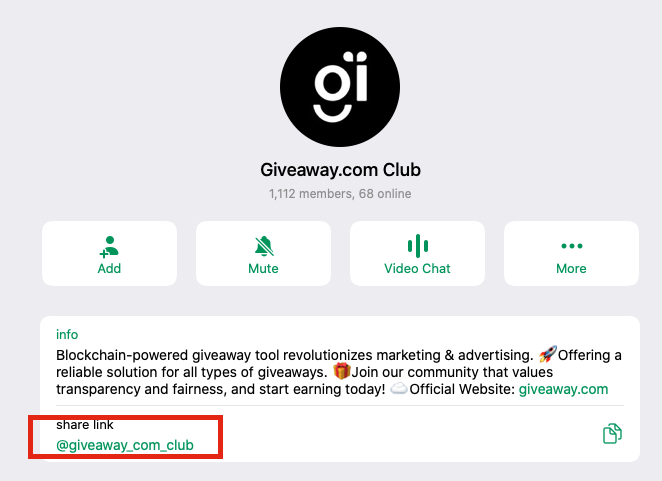
**The reason of failed to verify task could be:** you send your friend the group link as shown below to invite him/her, this will not count as an invitation from you.
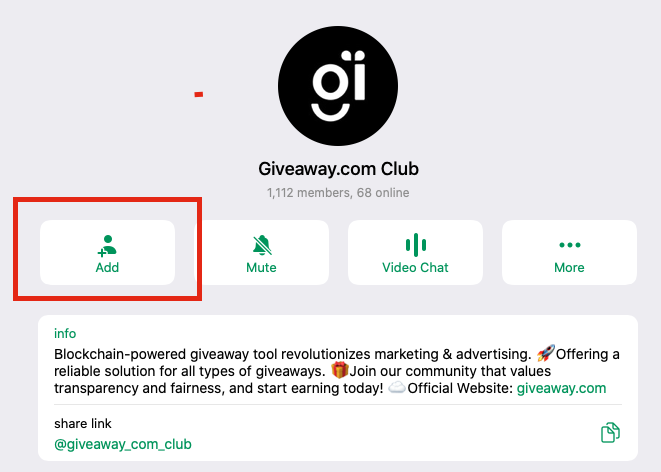
**✅ The correct way to invite users to a group or channel:**
In order to complete the invitation task, you must click the **+Add** button to invite user to join group.
Now that you have returned to the giveaway page, you can verify and complete the invitation task.